
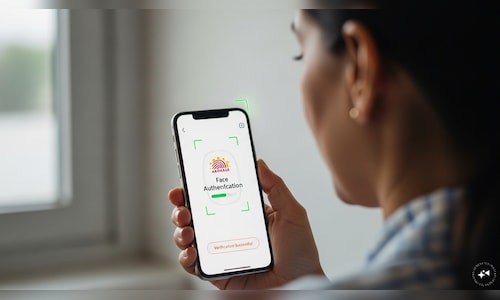
Axis Bank now lets customers update mobile numbers via app using Aadhaar face authentication and OTP, with transaction limits reset to default for 24 hours afterward
1 Min Read

Customers of Axis Bank can update their registered mobile numbers through a digital process on the bank’s mobile application using Aadhaar-based facial authentication.
The facility uses authentication services provided by the Unique Identification Authority of India and is available as a self-service (DIY) option alongside existing branch-based channels.
Steps to update the registered mobile number:
- Enter the new mobile number
- Input the number to be updated on the mobile banking app.
- Authenticate using Aadhaar face authentication
- Download or open the Aadhaar Face Recognition app
- Capture a live photo using the front camera
- The image is matched with the photograph in the Aadhaar database.Verify through OTP
- Enter the one-time password sent to the new mobile number to complete the update.
According to the bank, the authentication process validates the customer’s identity by matching a live facial image with Aadhaar records.
As an additional measure, mobile banking transaction limits are reset to default for 24 hours after the registered mobile number is updated and the customer re-registers on the app.
The feature enables customers to complete the mobile number update digitally without visiting a branch.
ALSO READ | Your Form 16 to be called Form 130 from FY27: Key changes explained