
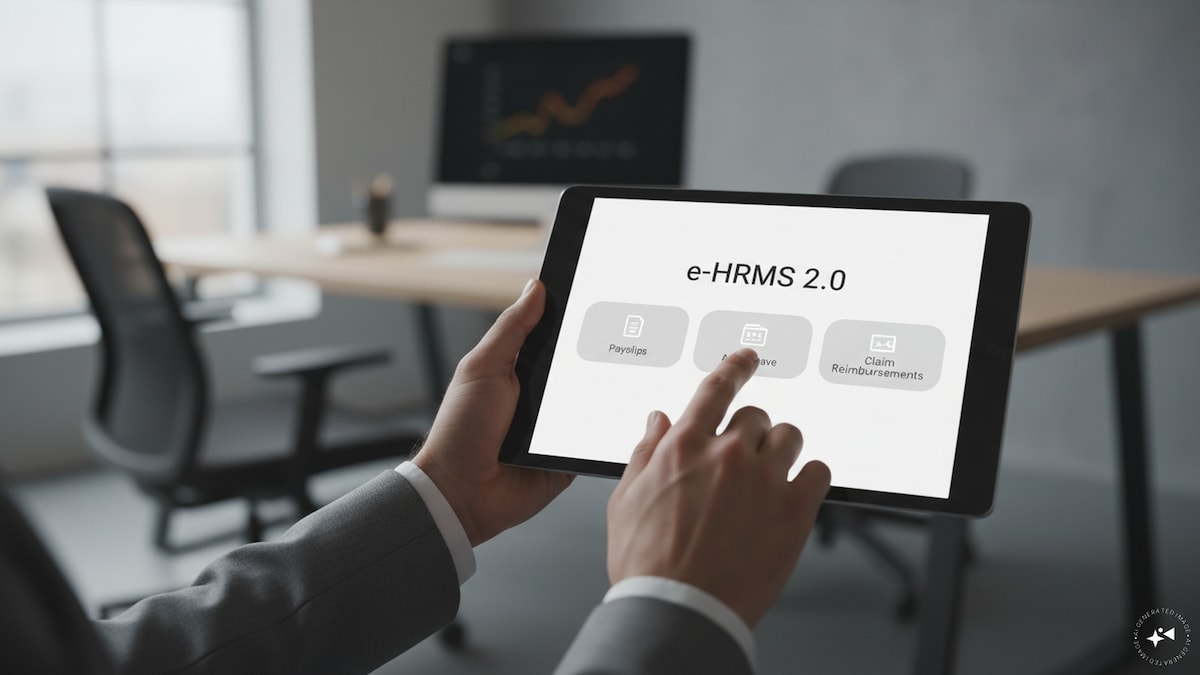
The Department of Personnel and Training (DoPT) recently highlighted the e-HRMS 2.0 mobile app for Android and iOS. The app is integrated with the e-HRMS 2.0 platform and is intended to make key HR services available to government employees digitally.
The e-HRMS 2.0 website says the system provides end-to-end online HR services to government employees. However, access to specific services depends on whether the employee’s ministry, department or organisation has been onboarded and the relevant modules have been enabled.
The e-HRMS 2.0 Mobile App for Android and iOS brings essential HR services closer to Government employees.
Access Pay Slips, Leave Management, Reimbursements and Declarations through a seamless digital platform.
Integrated with the e-HRMS 2.0 platform, the app enhances… pic.twitter.com/dwhxMDajSN
— DoPT (@DoPTGoI) August 18, 2026
How to check payslips on e-HRMS 2.0
Once an employee has been onboarded and has completed their profile on the e-HRMS 2.0 portal, they can access the Financial Records module where available.
The official e-HRMS information specifically lists PaySlips and GPF Statements under Financial Records.
Employees should log in to e-HRMS 2.0 and access the Financial Records services available to their account. The exact options may vary according to the employee’s organisation and the modules enabled for it.
How to apply for leave
Leave is one of the employee services available through e-HRMS 2.0.
After logging in, an eligible employee can access the Leave module and use the leave-related services available to them. The e-HRMS 2.0 website lists Leave as a core employee service and its help section separately identifies Leave as an available module.
The precise workflow for submitting and processing a leave request can depend on the organisation’s configuration and the employee’s role.
How to claim reimbursements
e-HRMS 2.0 also provides Reimbursement services.
The official website lists Reimbursement among the Employee Services available on the platform. The system’s onboarding information says employees can start using modules such as Leave and Reimbursement after completing their onboarding and profile.
Employees can therefore use the Reimbursement module available to their account to submit and manage eligible reimbursement-related requests. The exact claim options can differ depending on the organisation and the services enabled.
What other services are available?
e-HRMS 2.0 covers several other HR-related functions. The official help centre lists modules including:
- Leave
- Profile
- Training
- Attendance
- Reimbursement
- Transfer/Posting
- Passport
- TA/TD
- Financial Record
- Property
- Service Record
- Reports and workflow-related services
The onboarding information also specifically refers to APAR, Property/Immoval Property Return (IPR) and declaration of financial statements among the modules that employees can access after onboarding.
Who can use e-HRMS 2.0?
e-HRMS 2.0 is not an open service available to every person. Employees have to be part of an organisation onboarded onto the platform.
According to the official onboarding process, the concerned ministry, department or organisation provides employee details to the e-HRMS 2.0 team. After employees are onboarded, they are required to complete their profiles on the portal. They can then access the modules available to them.
The official website maintains lists of onboarded ministries, departments, organisations, states and Union Territories.
How to log in
The e-HRMS 2.0 portal provides login access through employee credentials and also offers e-Parichay login. The portal states that e-HRMS 2.0 provides end-to-end HR services to government employees.
The mobile application provides an additional way to access the services highlighted by DoPT, including payslips, leave management, reimbursements and declarations.
First Published: Aug 19, 2026 12:00 PM IST