The Ministry of Labour and Employment highlighted the facility in a September 4 post on X, reminding members that they can use UMANG to obtain and authenticate their UAN.
Once a UAN is available and activated, members can access services such as checking their EPF balance, downloading the passbook and tracking claims.
The process uses Aadhaar-based authentication, including face authentication, reducing the need for physical paperwork and manual verification.
How first-time users can generate a UAN
The UAN generation facility is primarily useful for employees who are joining the EPF system for the first time.
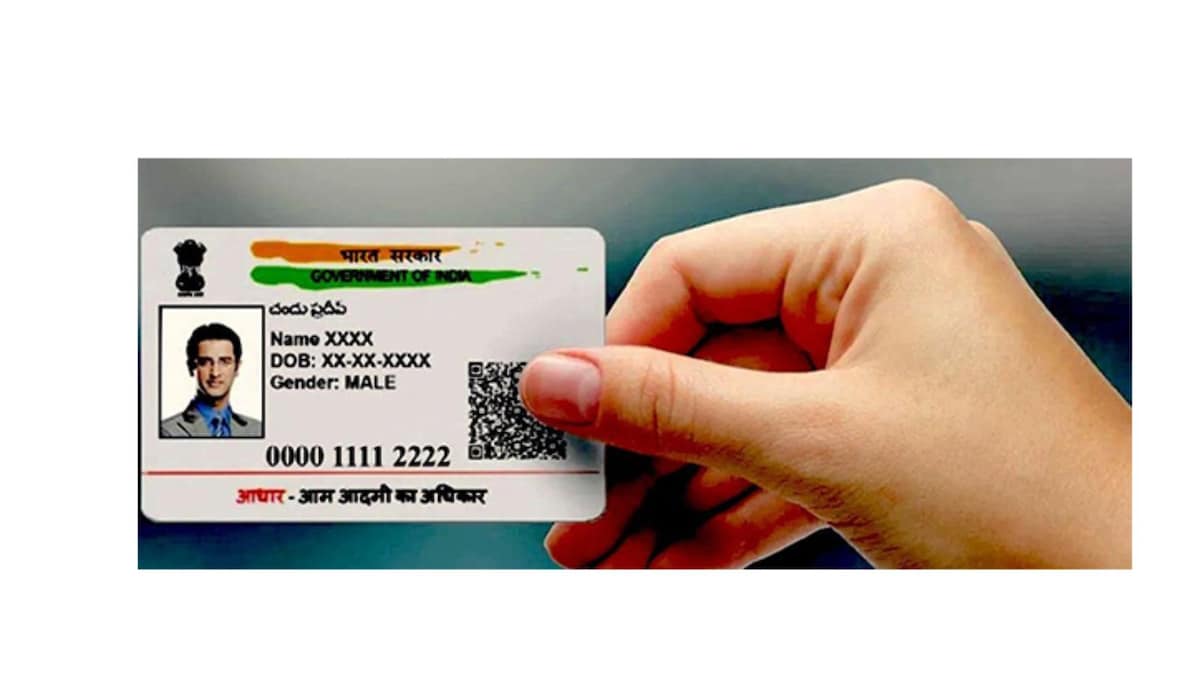
To generate a UAN through UMANG, users need a valid Aadhaar number, a mobile number linked to Aadhaar and the Aadhaar Face RD application installed on their phone.
Users need to open the UMANG app and select “UAN Allotment and Activation”. They then have to enter their Aadhaar and mobile numbers and provide consent for Aadhaar validation.
After entering the OTP received on their Aadhaar-linked mobile number, the system checks whether a UAN already exists against the Aadhaar number.
If no existing UAN is found, the user has to complete face authentication. The live face scan is verified through the Aadhaar system. Once authentication is successful, a new UAN is generated and sent to the registered mobile number through SMS.
Already have a UAN but have not activated it?
Members who already have a UAN can use UMANG to activate it if it is not yet active.
Under the “UAN Activation” option, users need to enter their UAN, Aadhaar number and mobile number. They then provide consent for Aadhaar validation and complete OTP verification.
The process is followed by face authentication through the UIDAI system. After successful verification, the UAN is activated.
The member receives the UAN and a temporary password through SMS. EPFO records are also updated with the verified photograph and address.
How to authenticate an already active UAN
UMANG also provides a separate option for members whose UAN is already activated but who need to complete face authentication.
Under “Face Authentication of Already Activated UANs”, members provide the required consent and complete face verification.
UIDAI then verifies the member’s identity and retrieves the relevant Aadhaar and UAN information. The verified details are subsequently updated in EPFO’s records.
What if UAN authentication fails?
Members may encounter issues such as incorrect Aadhaar or mobile details, OTP failures, unsuccessful face authentication or a message indicating that a UAN already exists against the Aadhaar number.
In such cases, users can check their details, request a fresh OTP or repeat the face authentication process. Persistent issues may require contacting the relevant support channels.
UMANG, developed as a unified platform for accessing government services, provides members with a digital route to several EPFO services. These include checking provident fund balances, downloading passbooks, tracking claims and managing KYC-related services.
Also read: EPFO offers PF trusts a one-time chance to clear exemption irregularities